

Charm documentation
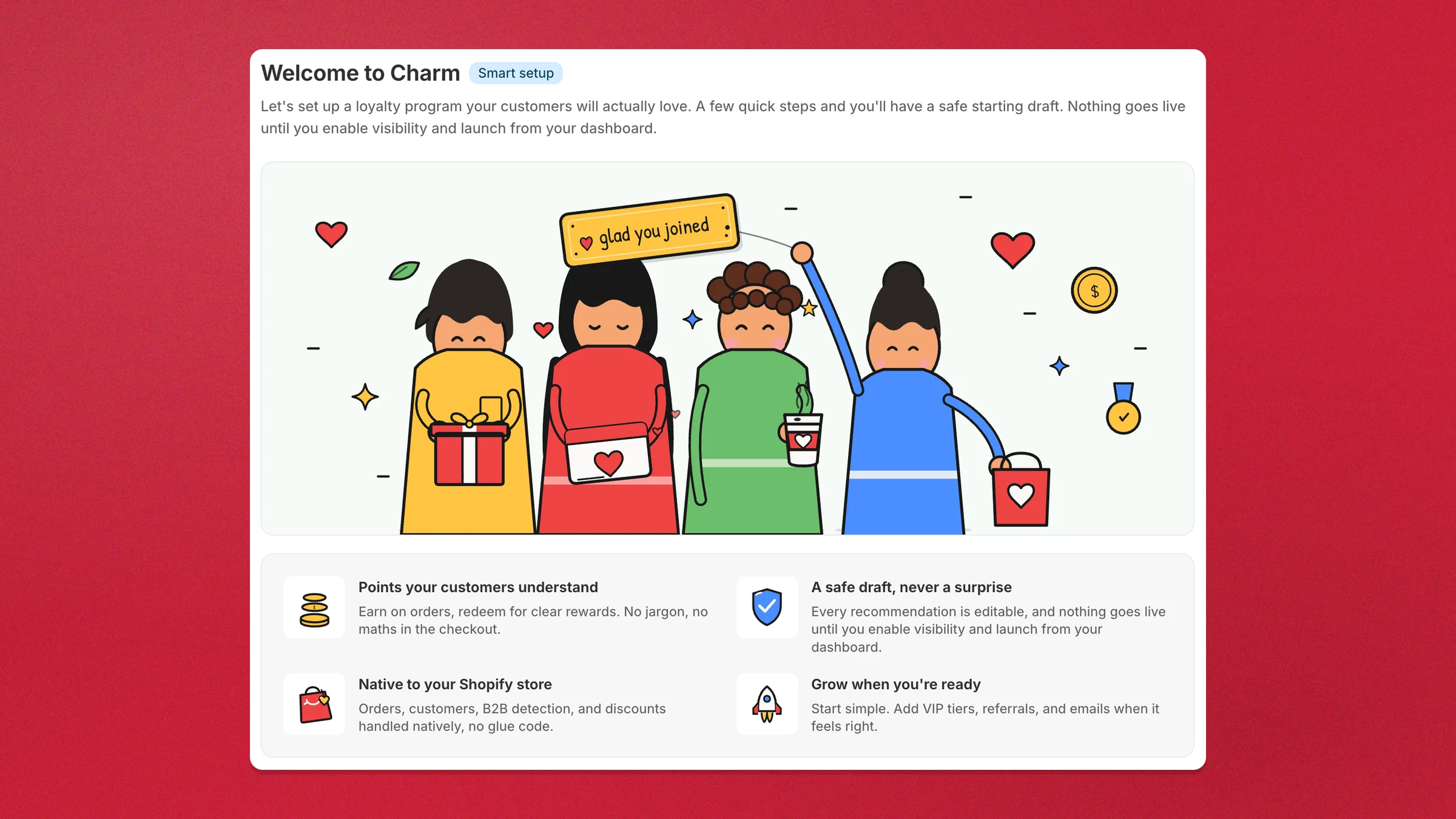
Charm is a Shopify-native loyalty and membership platform: points & rewards, VIP tiers, referrals, paid memberships, store-credit cashback, and POS — every feature on every plan.
This site documents how Charm works and how to set it up — from your first earning rule to storefront surfaces, integrations, and migrating from another loyalty app.
Start here
Section titled “Start here”- Install & connect — add Charm to a store and grant scopes.
- Your first program — earning rules, rewards, and turning the widget on.
- Points & rewards — the points ledger, reward types, and how every program builds on it.
Popular guides
Section titled “Popular guides”The quickest answers to the questions we hear most — each program (Points, VIP tiers, Referrals, Memberships, Campaigns) has its own section in the sidebar.
Exclude B2B / wholesale customersSettings → Eligibility → B2B and B2C customers → B2C only.
Set up points expirationSettings → Points Program → Points expiry.
Set up a signup bonusProgram → Ways to Earn → Add Way to Earn → Signup bonus.
Run a 2× points weekendCampaigns → New campaign → multiplier and schedule.
Add the floating widgetVisibility → Floating widget → Set up.
Migrate from another platformSettings → Data Migration → Migrate from another platform.
Run loyalty in Shopify POSLook up members, earn and redeem at the register.
Use the Charm APIRead points and tiers, award points from your own systems.
Going further
Section titled “Going further”Charm is built on Shopify’s own primitives — nothing is iframed, and nothing is injected into checkout.
- Storefront surfaces — the widget, product-page, customer-account, checkout, and POS surfaces.
- Theme app blocks — add the widget and product blocks in the theme editor.
- Shopify Flow — automate loyalty with Charm’s Flow actions and triggers.
- Klaviyo — two-way sync of loyalty events and profile properties.
- Ecomail — sync loyalty state and referral data onto Ecomail contacts and trigger automations from loyalty events.
- Migration — moving from another loyalty app? See the importer under Settings → Data migration and the FAQ.
Need help?
Section titled “Need help?”Email hello@appfleece.com. Privacy and terms live on the company site.