Exclude subscription orders from rewards
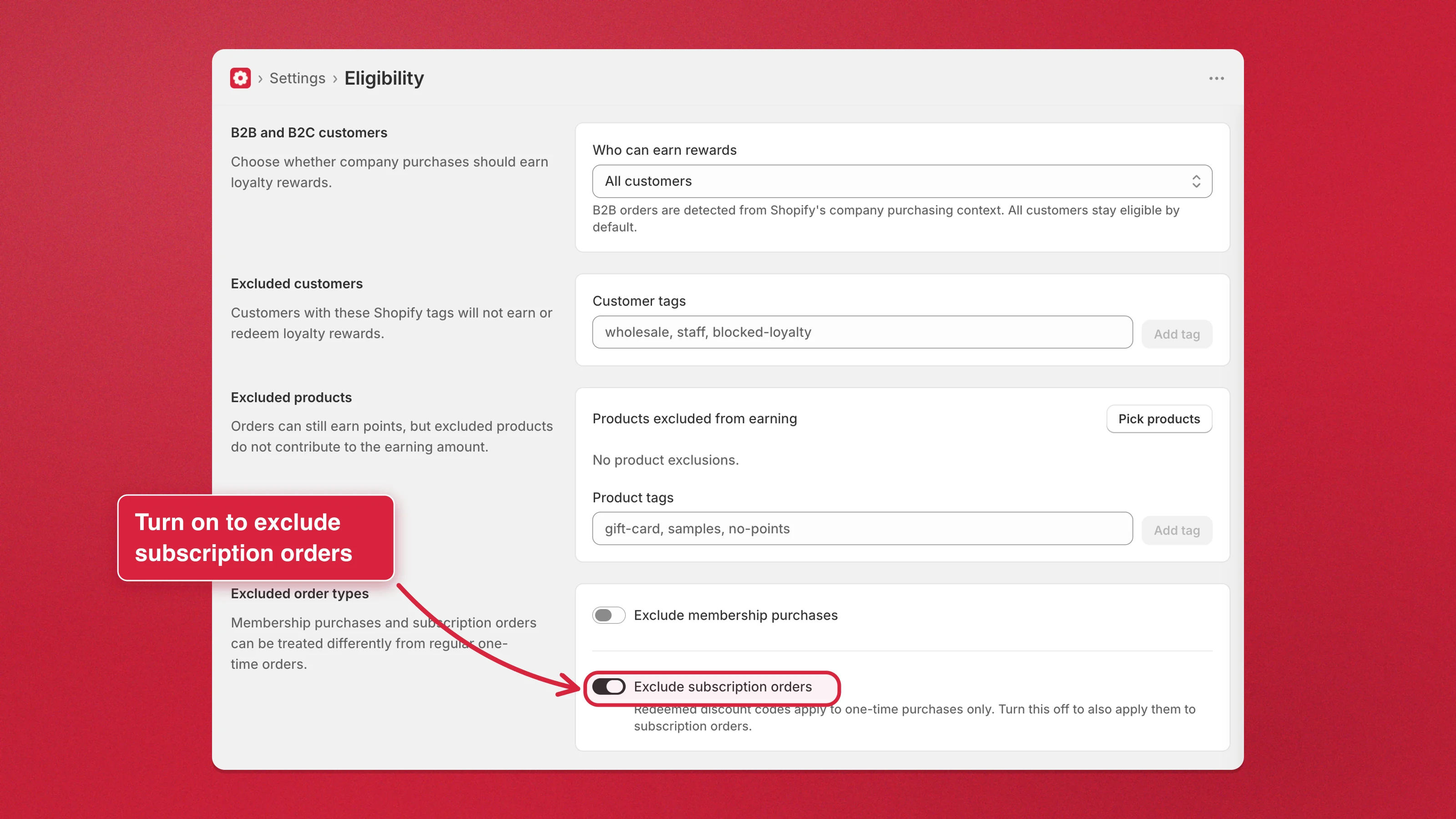
Subscriptions are two separate decisions in Charm: whether a customer’s redeemed reward codes may be applied to a subscription order, and whether an automatic renewal earns points. They live in different places because they’re different sides of the program.
Keep reward codes off subscription orders
Section titled “Keep reward codes off subscription orders”- Go to Settings → Reward discount codes.
- Turn on Limit reward codes to one-time purchases.
- Click Save.
Newly issued reward codes can then only be applied to one-time purchases. Codes already in customers’ hands keep working exactly as they were issued, so turning this on never breaks a reward someone is holding.
Stop renewals from earning points
Section titled “Stop renewals from earning points”- Go to Settings → Eligibility → Excluded order types.
- Turn on Don’t award points for subscription renewals.
- Click Save.
Automatic renewal orders then earn nothing, while the first order the customer places at checkout still earns normally — you reward the decision to subscribe rather than the recurring charge.