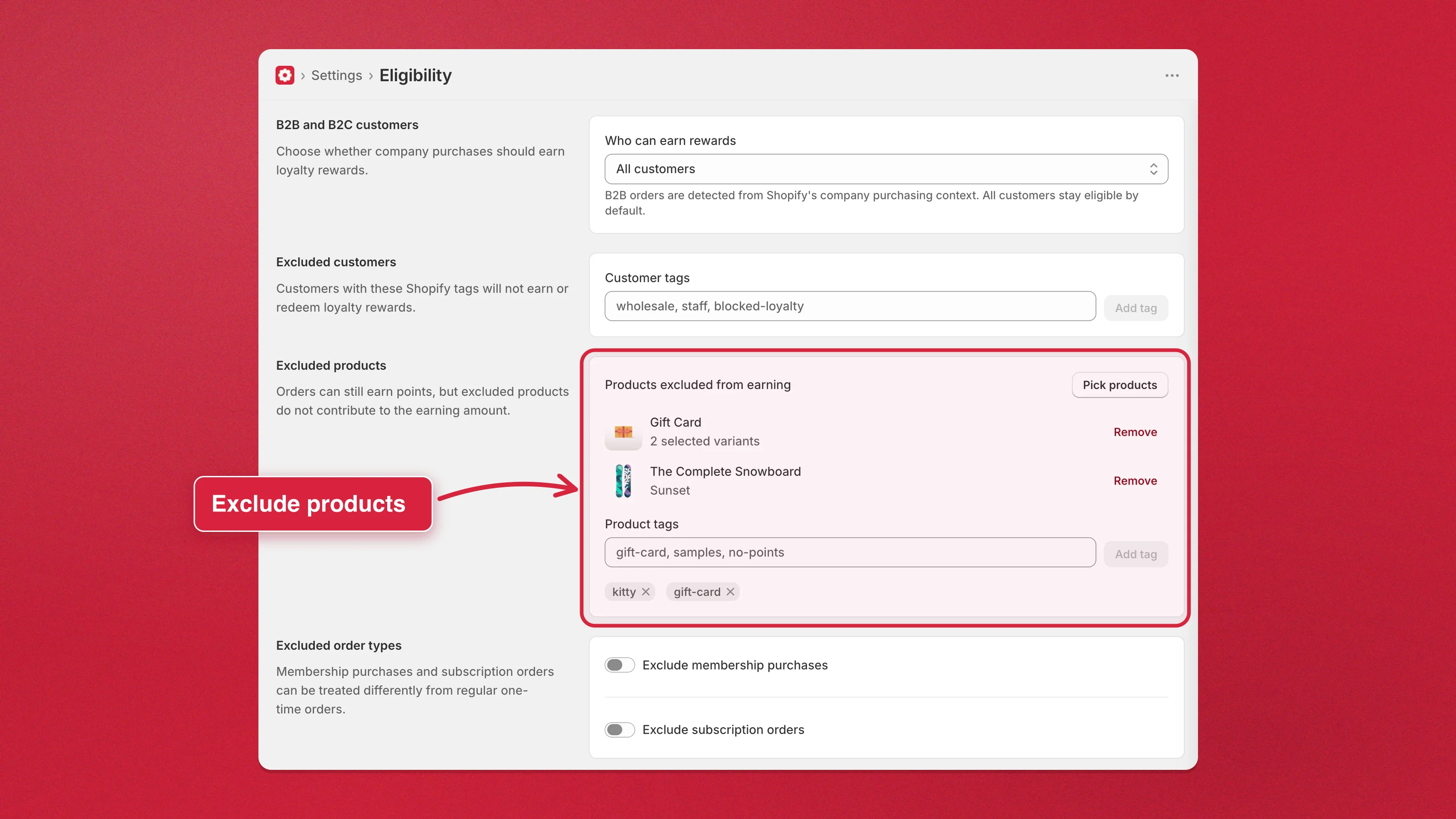
Exclude products and collections from earning points
Keep specific products — samples, low-margin items, a whole sale collection — from contributing to the points a customer earns, while the rest of the order still earns normally. This is the product side of Eligibility; to exclude people instead, exclude customers by tag.
- Go to Settings → Eligibility → Excluded products.
- Choose how to exclude:
- Pick products — select individual products or variants.
- Pick collections — select whole collections. Anything that lands in the collection later stops earning automatically, and starts again when it leaves; handy for a sale or clearance collection you keep rotating.
- Product tags — type tags, then Add tag.
- Click Save to apply the change.