

Connect Klaviyo
Connect Klaviyo over OAuth so every loyalty event becomes a Klaviyo metric and each customer’s loyalty state is written onto their Klaviyo profile — ready to trigger flows and build segments.
- From your Shopify admin, open Charm and go to Settings → Integrations → Marketing and SMS apps.
- In the Marketing provider dropdown, choose Klaviyo, then click Connect.
- Authorize Charm in the Klaviyo OAuth window. When it returns, the badge flips to Connected and Charm starts syncing events and profile properties.
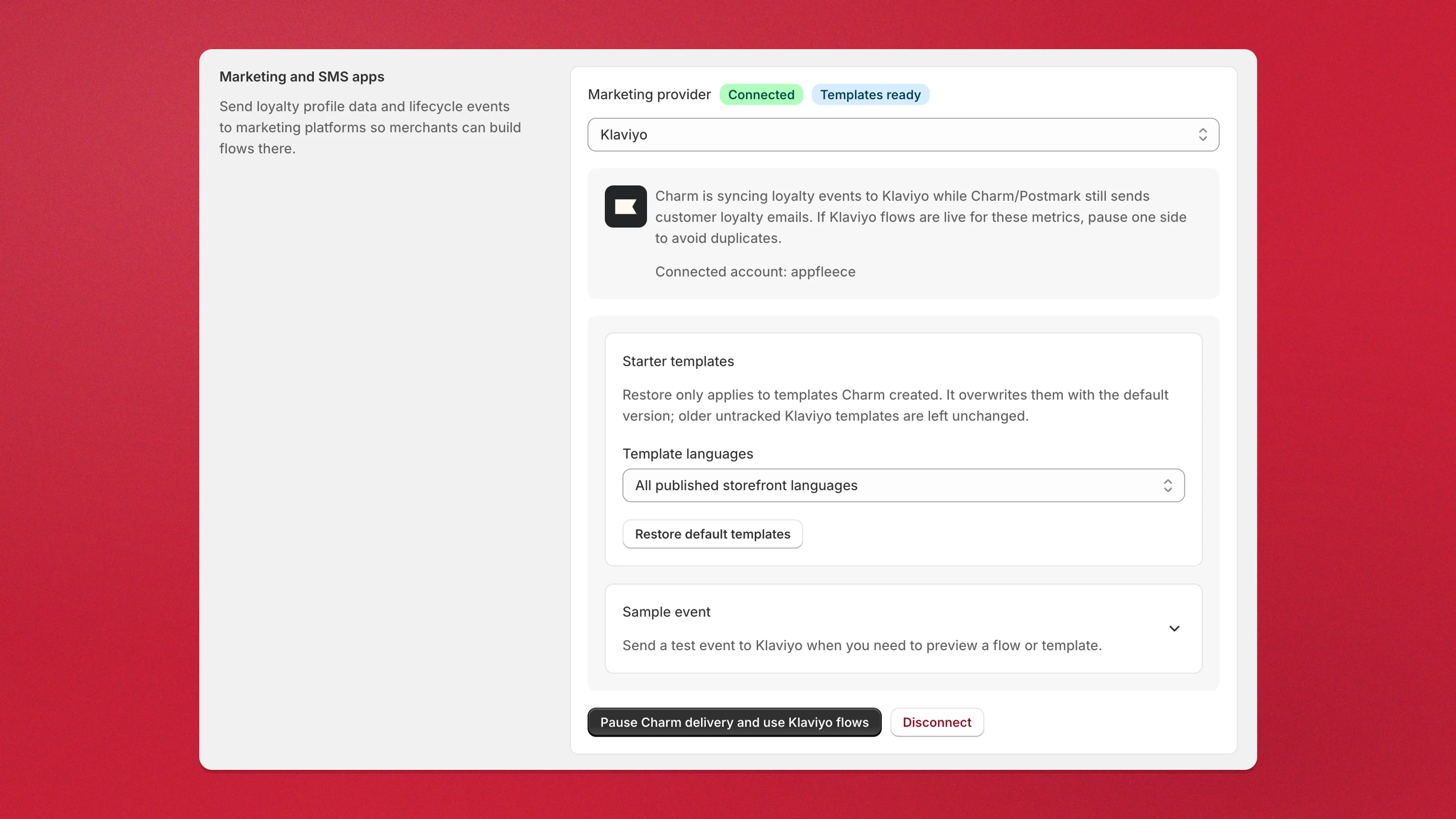
Once connected, you can provision locale-aware starter flow templates and send a sample event to test the sync — both from the same Klaviyo card.
Sample events land on your store’s own email address in Klaviyo, never on a customer’s profile, and their metrics show up in your account ready for the flow builder. See build the flows before the first real event.
Switch email delivery to Klaviyo flows
Section titled “Switch email delivery to Klaviyo flows”By default Charm keeps sending its own loyalty emails while it syncs events to Klaviyo. To hand sending over to Klaviyo, click Pause Charm delivery and use Klaviyo flows on the Klaviyo card. Charm stops sending those emails through Postmark, so customers only receive them where you have matching Klaviyo flows live. Click Resume Charm emails to switch back.
Related
Section titled “Related”- Concept: Campaigns
- Connect a marketing platform — overview of all supported platforms
- Connect Ecomail
- Set up Shopify Flow triggers and actions