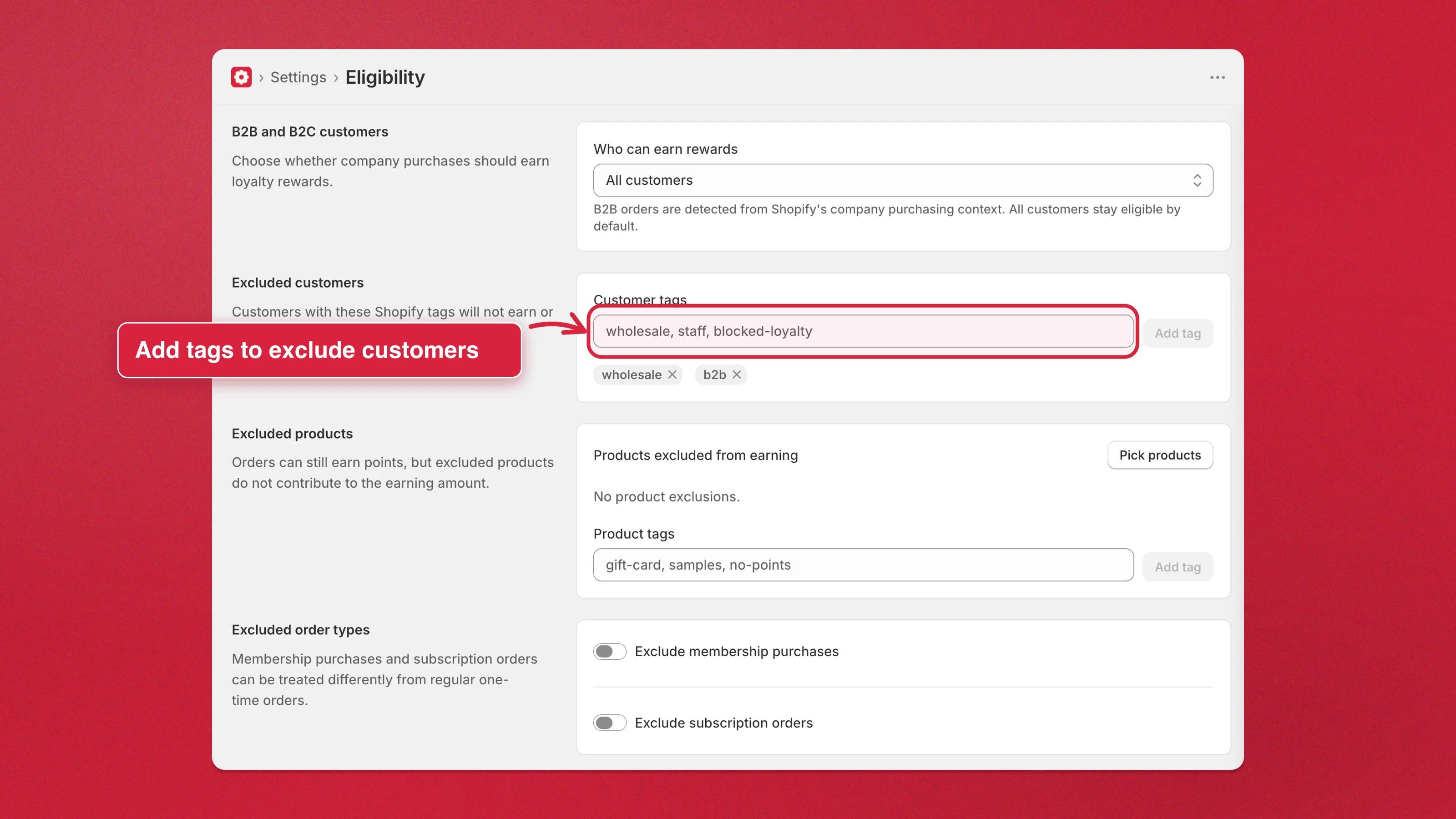
Exclude specific customers by tag
Block individual customers — staff, blocked accounts, or a specific segment — from earning and redeeming loyalty rewards using their Shopify tags. This is the tag-based side of Eligibility; for company buyers, exclude B2B customers instead.
- Go to Settings → Eligibility → Excluded customers.
- In Customer tags, type Shopify tags separated by commas (for example
staff, wholesale, blocked-loyalty), then Add tag. - Click Save to apply the change.